


Travel guide
Taxi Safety Technology: Useful Tools and Their Limits
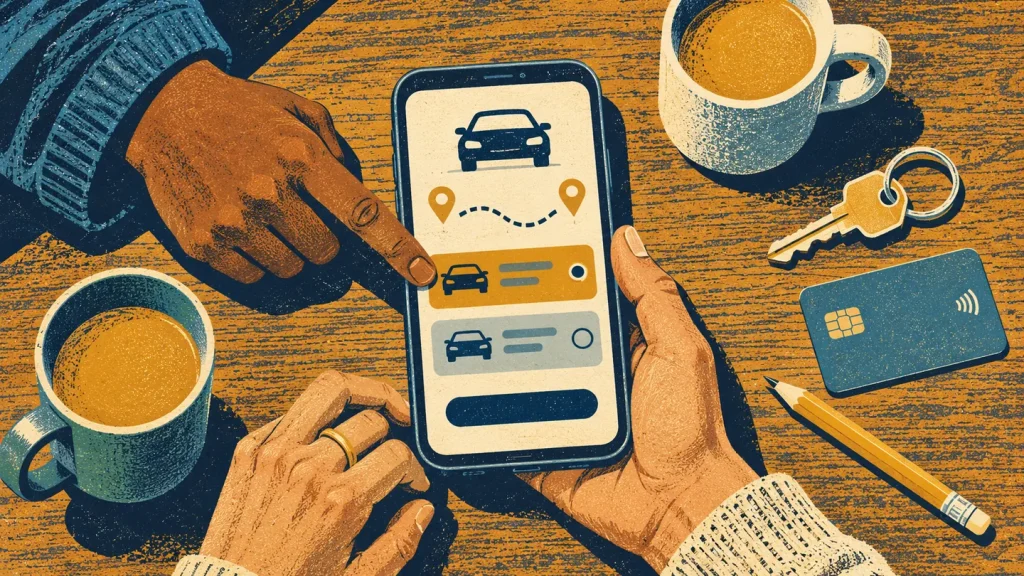
Technology is useful on a taxi journey when you know what it does and who, if anyone, receives the information. A booking confirmation, a map and a support contact have different purposes. Do not treat a general description of taxi technology as proof that a particular operator offers an app, live monitoring or an emergency-response system.
Keep the booking accessible
Save the confirmation, pickup instructions, destination and operator contact details before leaving. A screenshot or downloaded copy can make those details easier to find when you cannot load the original message. Keep it private: a booking record can contain your contact information and travel plans.
At pickup, compare the actual vehicle and driver information with the details provided by the operator. A screenshot from an earlier journey is not verification for today’s trip. Follow the pickup-checking guide if anything differs.
Share your location deliberately
If you want a trusted person to follow your progress, choose a location-sharing tool on your own device and understand its settings beforehand. For example, Google Maps’ Android instructions explain how to select recipients and a sharing period. The information can include your recent device location and battery status. Review who can see it, choose an appropriate duration and stop sharing when no longer needed.
Tell the person what you are sharing and agree whether you will message on arrival. Sending a link does not establish that they are watching it. Keep a straightforward backup, such as a written destination and a contact number, rather than making the whole plan depend on one screen.
Ask what a provider’s feature actually means
- If tracking is advertised, can the passenger see it, and is anyone actively monitoring it?
- If an alert button exists, does it call emergency services, message a friend or contact the operator?
- If a camera is advertised, is recording actually available for this vehicle, and who handles access to it?
- What contact method should you use if the feature or your phone stops working?
These are questions to check with a provider, not claims about Luxzline’s vehicles. A map showing your position is also not proof that a different route is improper; ask about a route change rather than relying on the display alone.
Keep emergency help separate
If someone is in immediate danger, call 999. Do not wait for a support message or assume an app alert has reached the police. Read what to do during an unsafe journey for the response steps.
For Luxzline transfers, the website booking form needs at least 8 hours’ notice. Booking support is available 24/7, but it is not an emergency service. Use the night passenger checklist alongside your phone preparations.
